
Get in Touch
- Phone
+91 700 752 2813
- Email Now
hello@wizweb.in
Office No - 204 A-140, Sector 63 Road Noida, Uttar Pradesh 201301
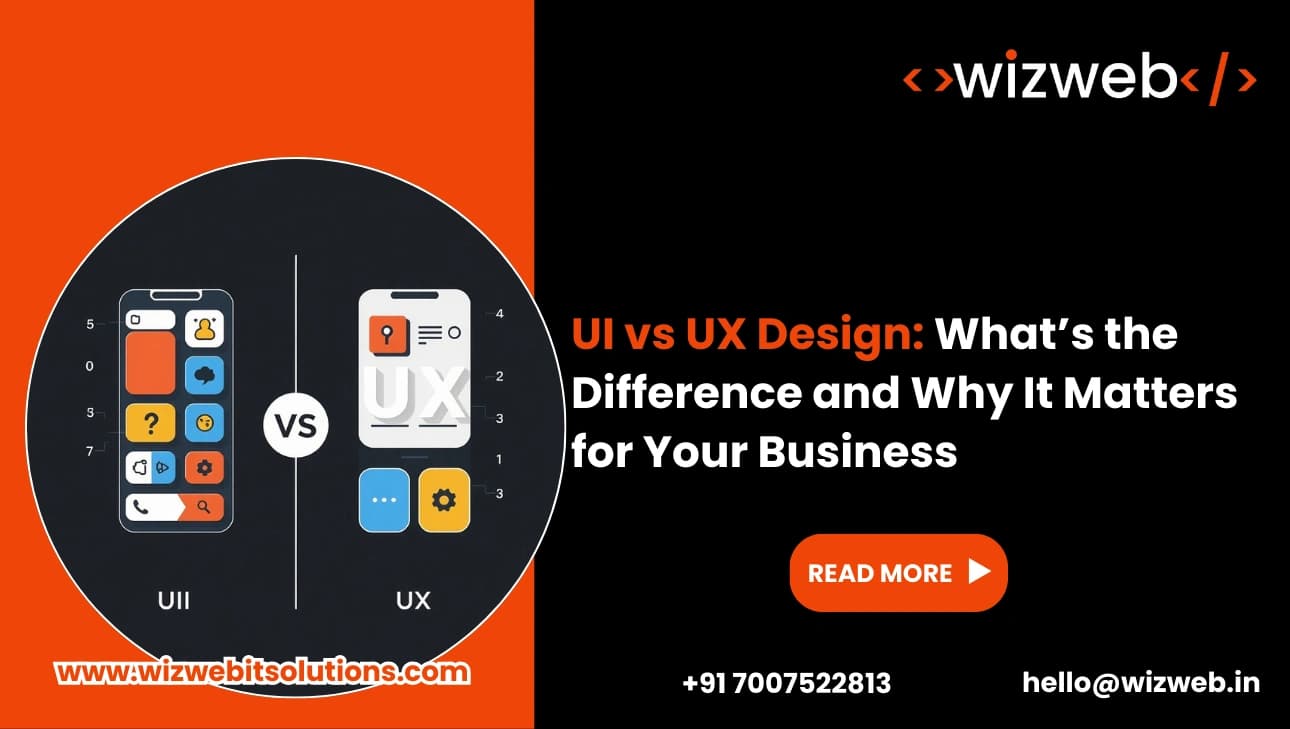

When people talk about building a better website or app, two terms come up a lot: UI vs UX Design. They sound similar, and sometimes people use them the same way. But they are not the same. Both are important, and both help your business grow. In this article I will explain them in simple words, show how they work together, and tell you what to check when hiring Web Design Services.
UX means how a person feels when they use your product or service. It is the whole story — from the first time someone sees your website, to how they find information, to how they finish a task. Good UX makes a task easy and quick. It removes confusion and helps people reach their goal.
For example, if a customer wants to buy a book from your website, UX covers: how they find the book, how easy it is to read the product page, how smooth the checkout is, and how clear the order confirmation looks. If any part is hard, the person may leave and never come back. That is why UX matters.
UI is what people see and touch on the screen. It is buttons, colors, fonts, images, layout, and how things move when you tap them. UI makes your product look good and feel friendly. Good UI helps people understand what to do next.
Using the book store example, UI is the “Add to Cart” button style, the form fields in checkout, the size of the text, and the little animation that shows when the item is added successfully. UI helps users trust the product because everything looks clear and consistent.
A simple way to remember is:
They must work together. Great UI with poor UX can look nice but still confuse users. Great UX with poor UI can be easy to use but feel unprofessional. When both are strong, the result is a product people enjoy and keep using.
This is why smart companies choose good Web Design Services that do both UX and UI work.
If you hire Web Design Services, the process often looks like this:
Good teams keep testing and changing things. UX and UI are not one-time jobs. They are ongoing.
If the answer is “no” to any of these, you should talk to a team that knows UI vs UX Design well.
Knowing the truth helps you invest the right amount of time and money.
Understanding UI vs UX Design is important for every business that wants a strong online presence. UX makes tasks easy and useful. UI makes the product clear and attractive. Together, they reduce friction, increase trust, and improve business results.
If you plan to update your website or app, choose Web Design Services that offer both UX research and UI design. Ask for small tests with real users, a design system for consistency, and a clear plan to measure results. When UI and UX are done right, your website becomes a tool that helps customers — and helps your business grow.