
Get in Touch
- Phone
+91 700 752 2813
- Email Now
hello@wizweb.in
Office No - 204 A-140, Sector 63 Road Noida, Uttar Pradesh 201301
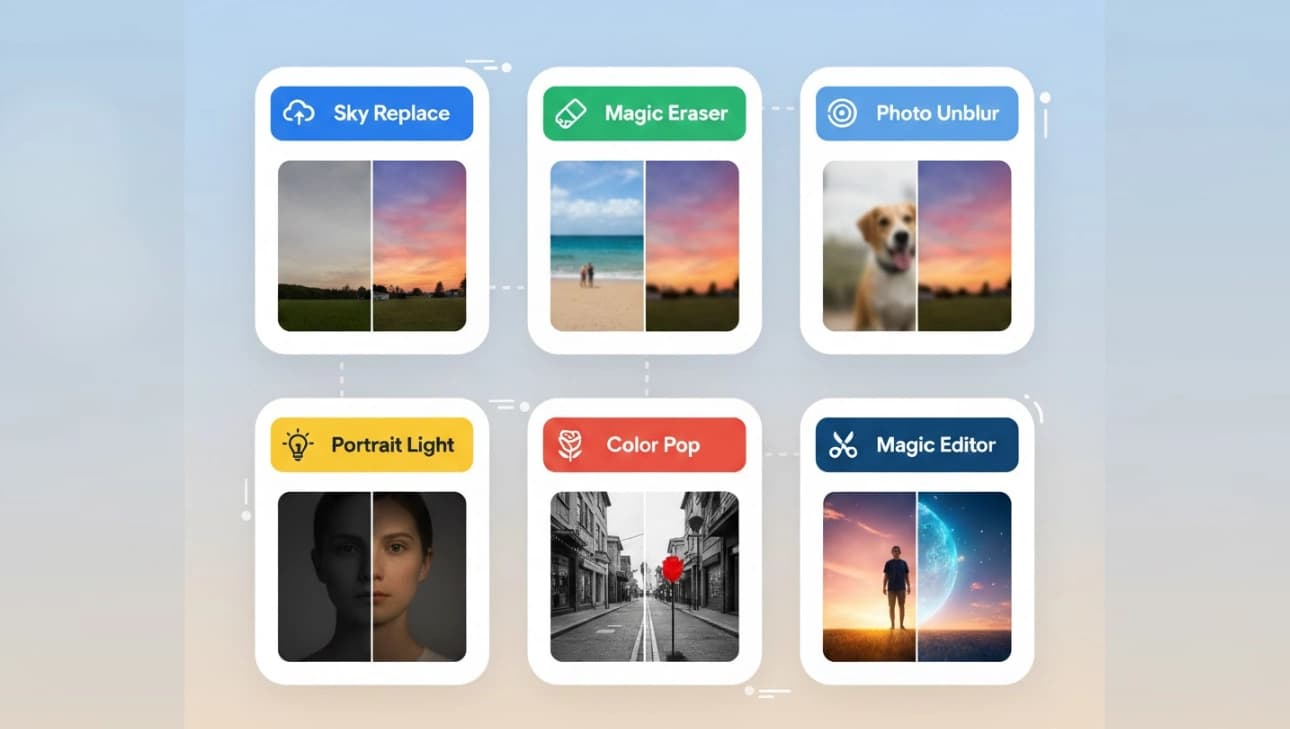

If you keep your photos on your phone or in the cloud, you probably want them to look better with very little effort. Google Photos now brings six smart editing tools that let you improve pictures fast, using plain language. These tools are made to help both beginners and people who know a little about editing. These features connect to google image tech and to AI/ML Services behind the scenes. In this article, I will explain each tool in simple words, tell you why it matters, and give easy tips so you can use them right away.
Google Photos added six new AI-powered editing tools that work inside the app. You can type short instructions and the editor will try to follow them. That means you don’t need to understand complex sliders or photo software. This change is part of a larger move where AI/ML Services help apps do things we used to only do on a computer.
Google Photos used to be mainly for backup and search. Now Google Photos and google image features work together so it becomes a creative friend that helps you fix and improve photos quickly. If you have a picture that is almost perfect, these tools can remove the last barrier. You can keep the original safe and make a new edited version to share.
A simple example: imagine a family picture taken at dusk. The faces are a bit dark and a trash can is visible at the edge. Instead of learning a complex program, say “brighten faces, warm the sky, and remove the trash can.” The editor will try to do all three steps and give a natural result. Tools like this make editing more accessible for everyday people.
When editing pictures of people, the app tries to preserve likeness and avoid strange changes. Still, if a photo must remain exact — for legal or identity reasons — keep the original copy. These smart edits use advanced image models and also relate to wider AI/ML Services used in many products.
The same kinds of models that power these tools also appear in google image search and other apps. If you work with images or plan to build tools, watching how Google Photos uses AI shows how consumer apps can use AI/ML Services for editing, searching, and generating content. The move from research models to everyday tools is clear.
AI edits are powerful but not perfect. Sometimes the model may change details you want to keep. Also, big generative changes can alter a memory too much. If you care about exact authenticity, keep both versions and read app settings for data and privacy. Many people link these editing features to broader AI/ML Services when they work on photo projects or share results with others.
Google Photos is becoming more than a storage app. It is turning into an easy-to-use creative tool that helps people improve pictures with simple words. Whether you want small fixes or playful edits, these six smart tools make the process faster and easier. If you use google image tools or other AI features, you will find the same ideas appear across the web. These advances are part of a broader trend where AI/ML Services bring powerful tools to every user. Try the tools, keep originals, and enjoy making memories better with Google Photos and google image features. Many creators connect edits to AI/ML Services to speed their workflow and get consistent results.